Unnameable Cases
A solo-developed horror puzzle game
Unnameable Cases is a solo-developed horror puzzle game rebuilt from an original template provided by a Purdue University professor. The project's main purpose was to practice a centralized, Manager-style Blueprint architecture.
Overview
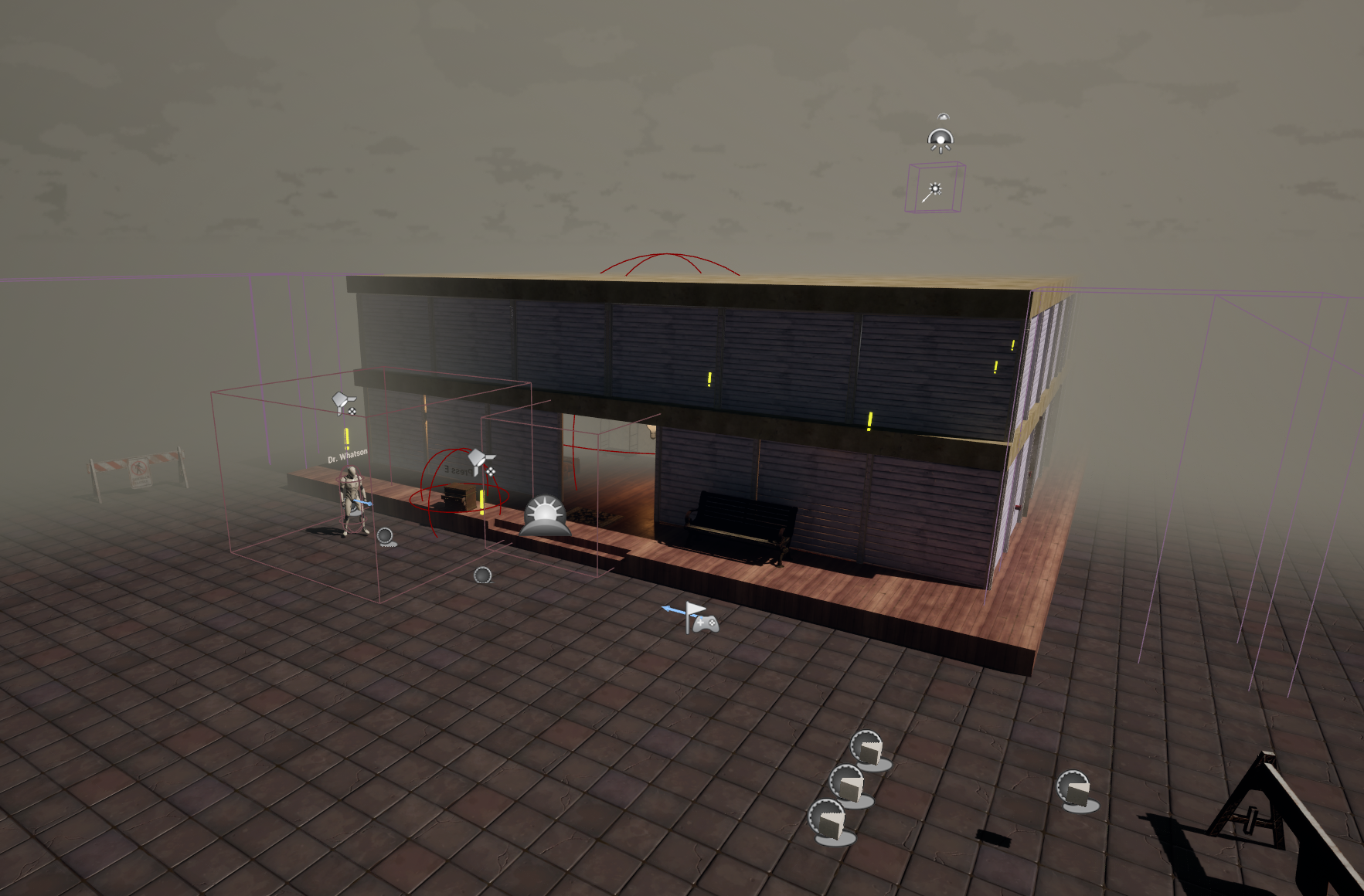
Unnameable Case grew out of a long-form course assignment. The course provided a controller with a Manager Blueprint so students could directly use the functions supplied by the template.Because the original Blueprints were quite old, I refactored them as soon as I received the project. The overall logic and data flow remain the same, while I added debugging interfaces and more customizable functionality in several places.
Manager Blueprints
A Manager Blueprint is not a formal programming type; it is simply an architectural approach for handling level data in a centralized place. Centralizing this data reduces the communication overhead between multiple Blueprints and makes the lifetime and ownership of the data easier to understand.
Unnameable Case uses several Manager Blueprints: a Main Game Manager, a Mission Manager, and an Encounter Manager.
Main Game Manager
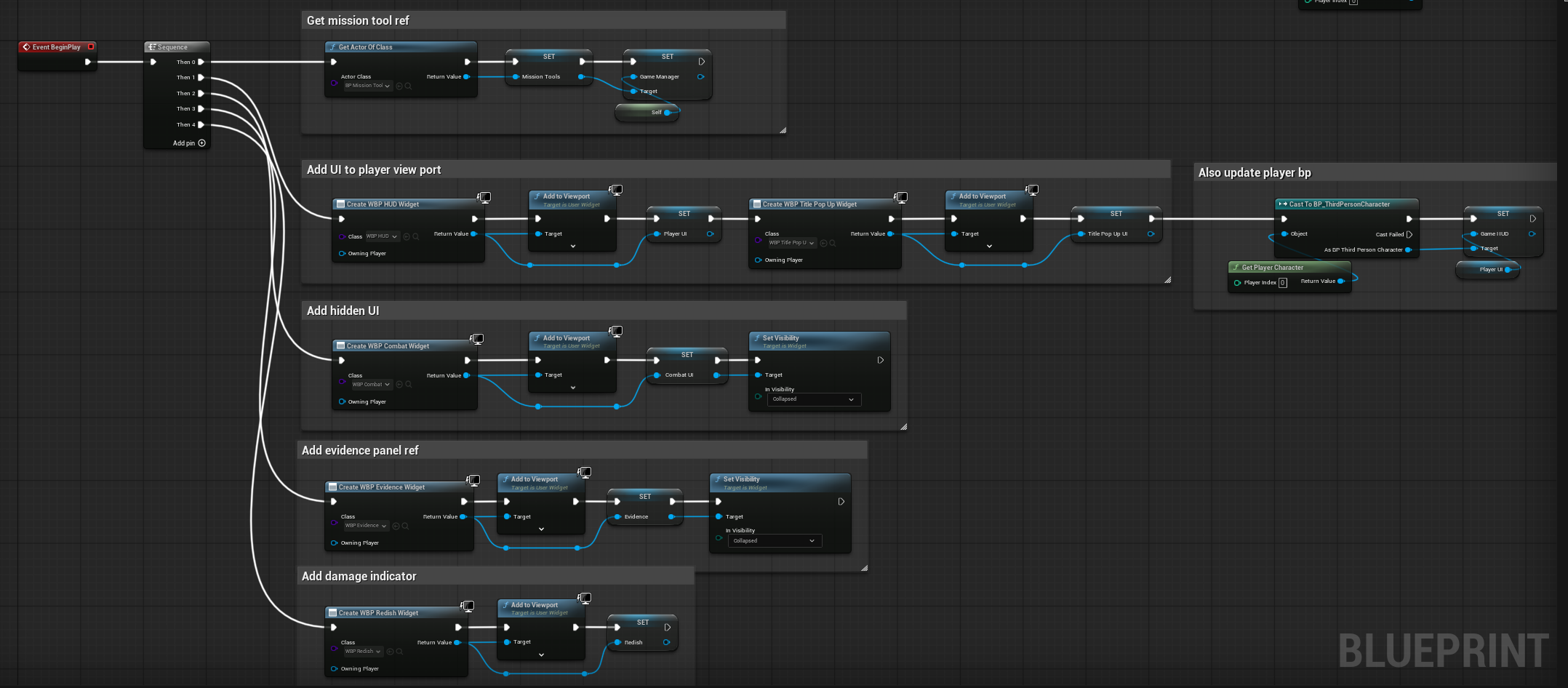
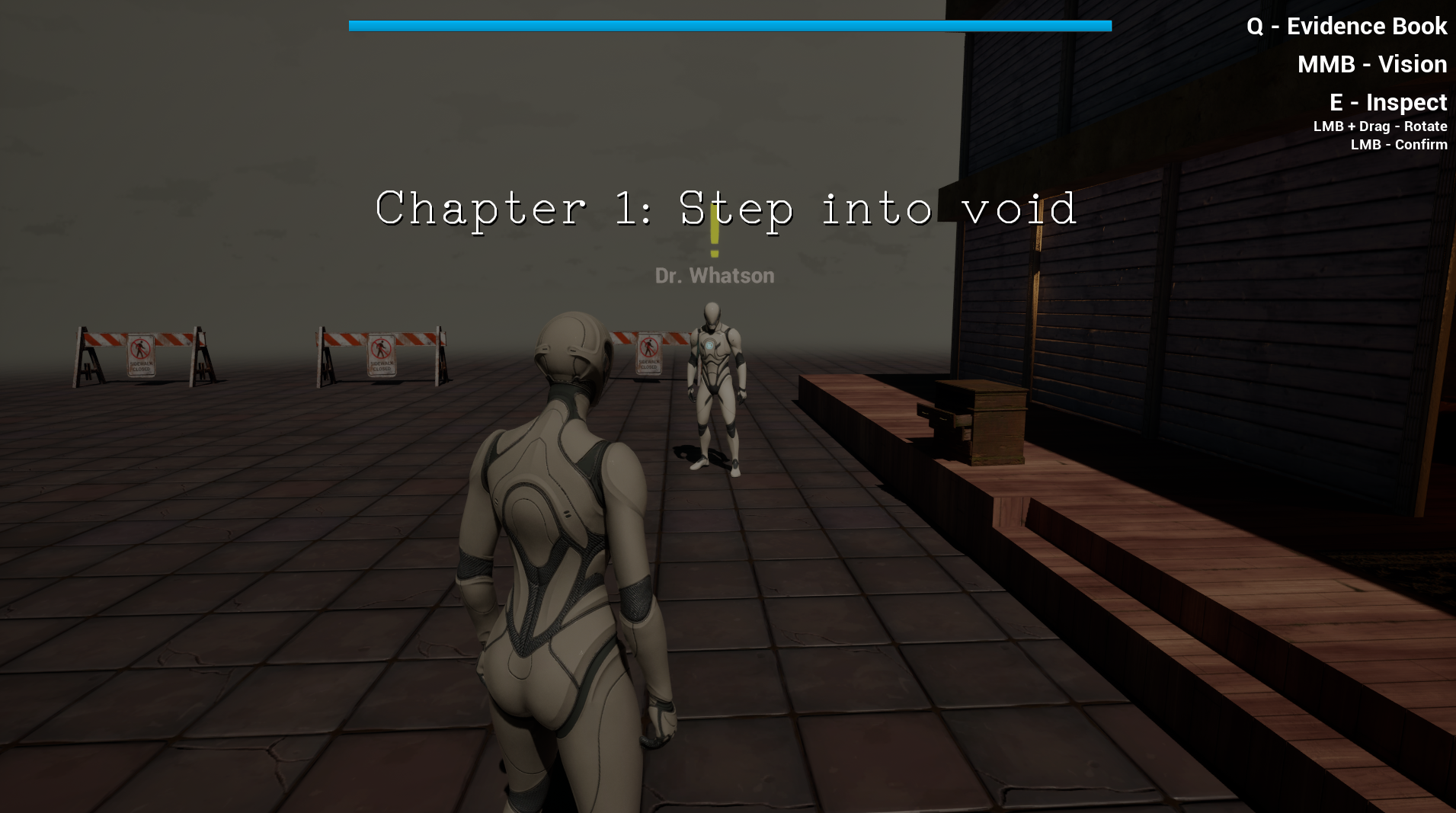
The Main Game Manager primarily communicates with the other managers and stores data that needs to persist throughout the level. It also handles level content that falls outside the responsibilities of the other managers, such as the opening instructions.
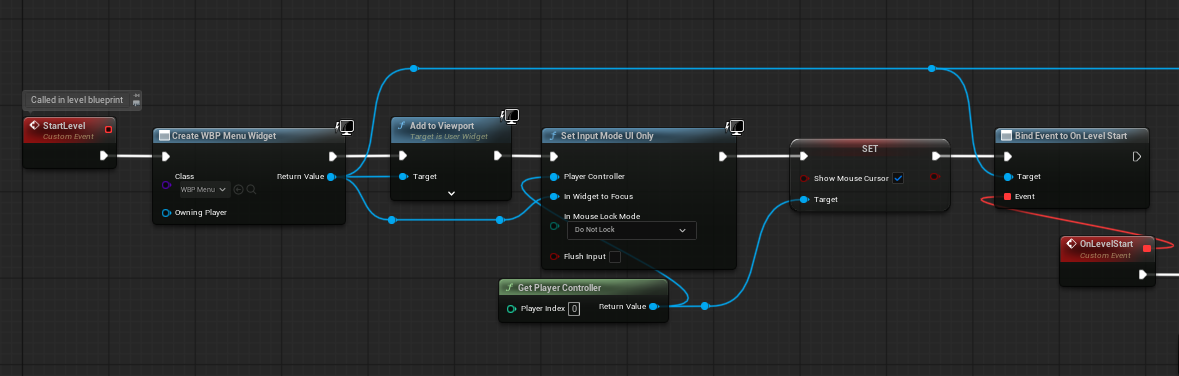

The Main Game Manager also connects the individual managers and handles requests that cross the boundaries of their responsibilities.
Mission Manager
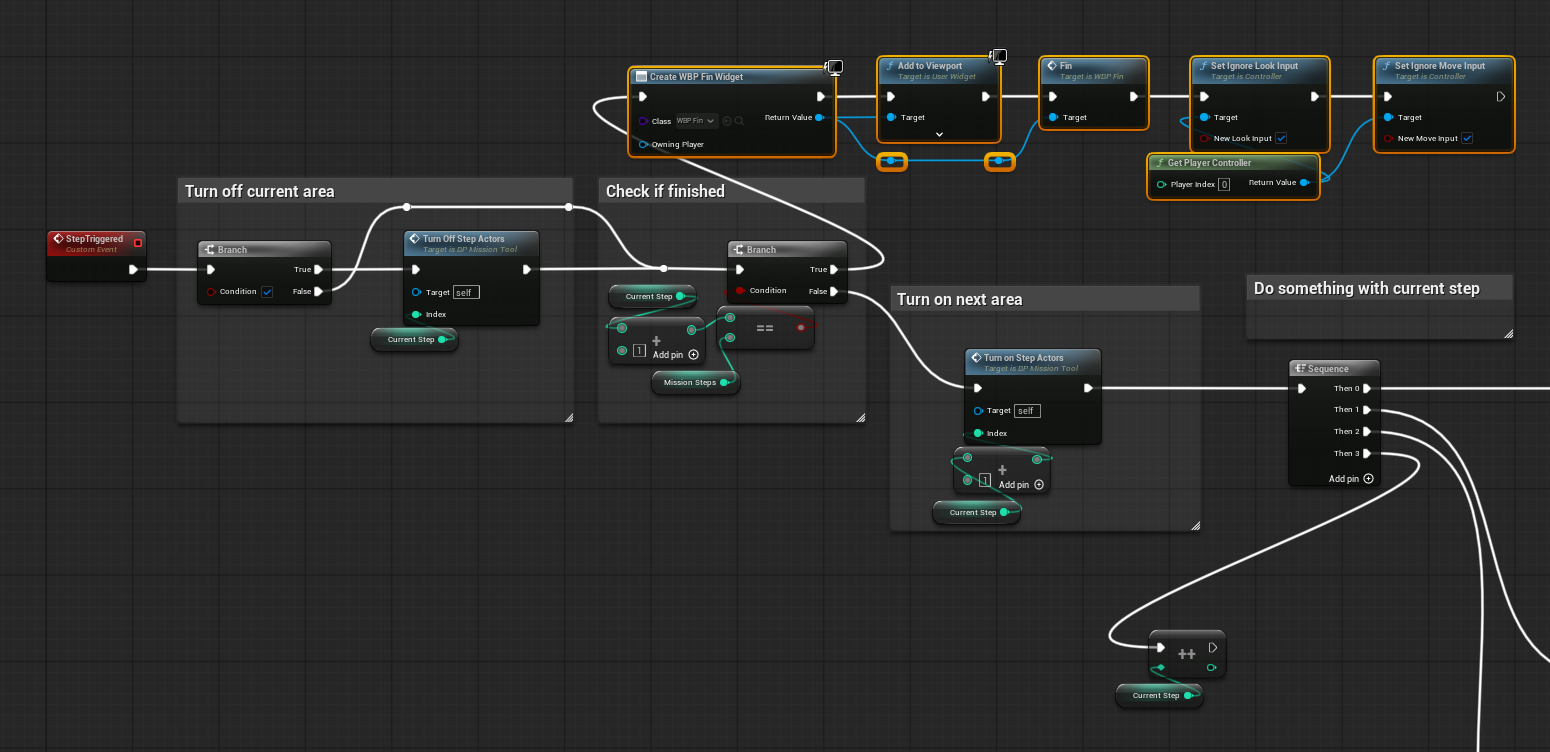
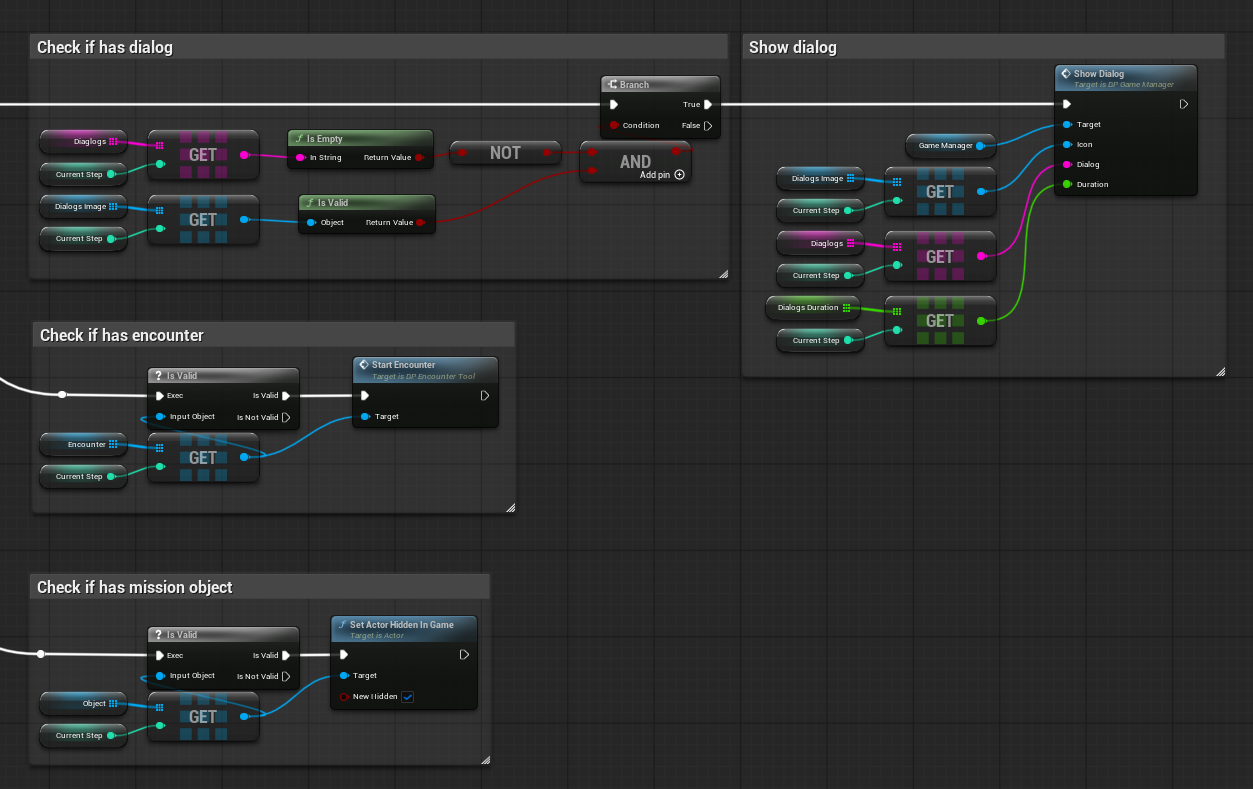
The Mission Manager primarily controls mission state so the player can trigger objectives in sequence. Trigger conditions and mission content are customizable, and the overall behavior is similar to a finite state machine.

When advancing to the next step, the manager prepares everything that needs to happen next, including checking the mission stage, triggering dialogue, starting combat, and spawning the next mission item.
Encounter Manager
The Encounter Manager is dedicated to combat. This project uses a straightforward turn-based combat system similar to a Pokémon battle.To simplify production and avoid art and animation work that I did not have experience with, all combat results are communicated through text, such as hit/miss feedback.
At the start of the game, this manager also connects to the Main Game Manager so post-combat data can be resolved and stored, including player experience, level, and remaining health.

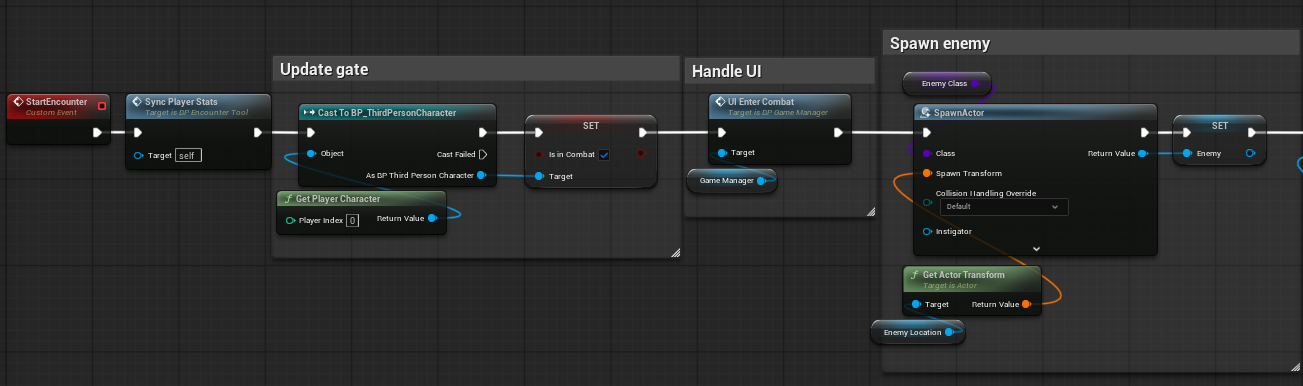
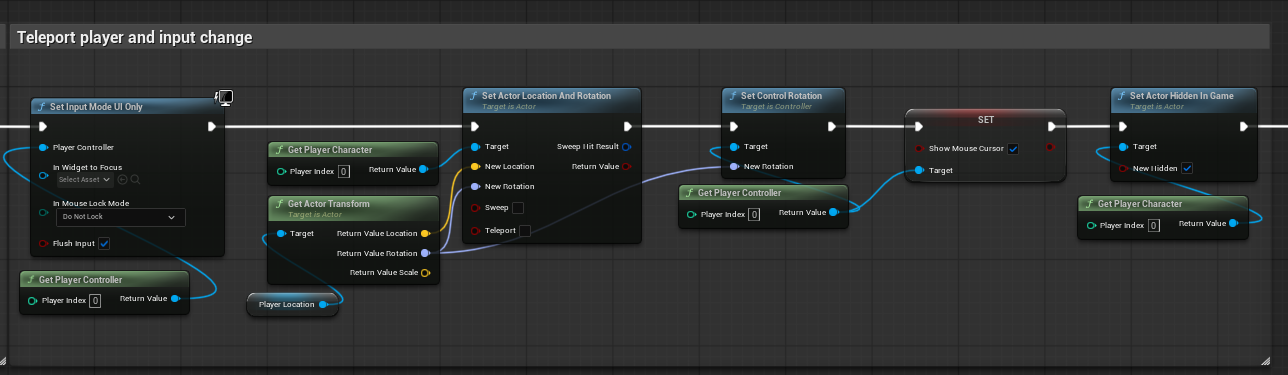
When combat begins, the Encounter Manager initializes the encounter by moving the player to the combat area, spawning the enemy model, and preparing the battle state.
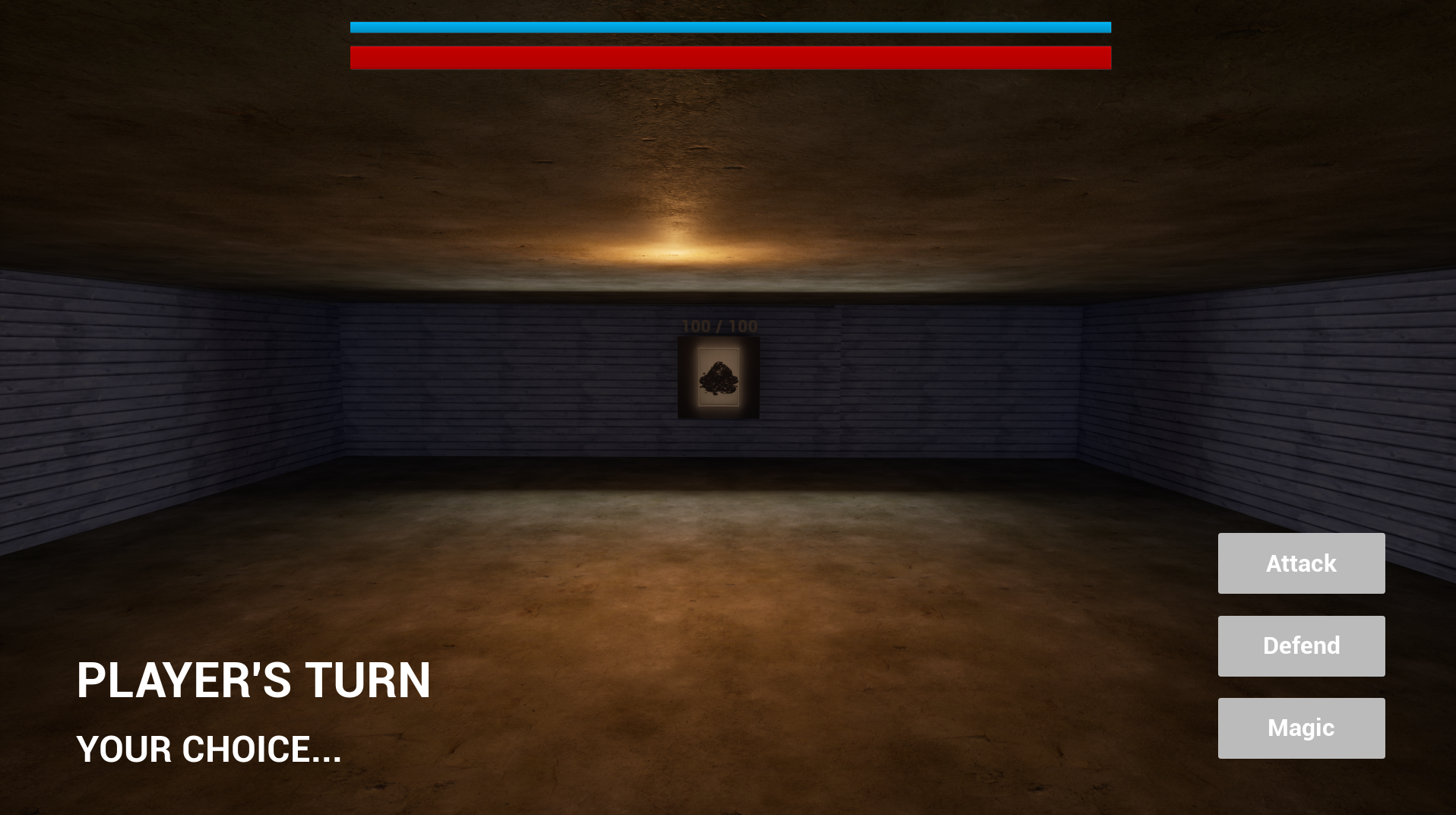
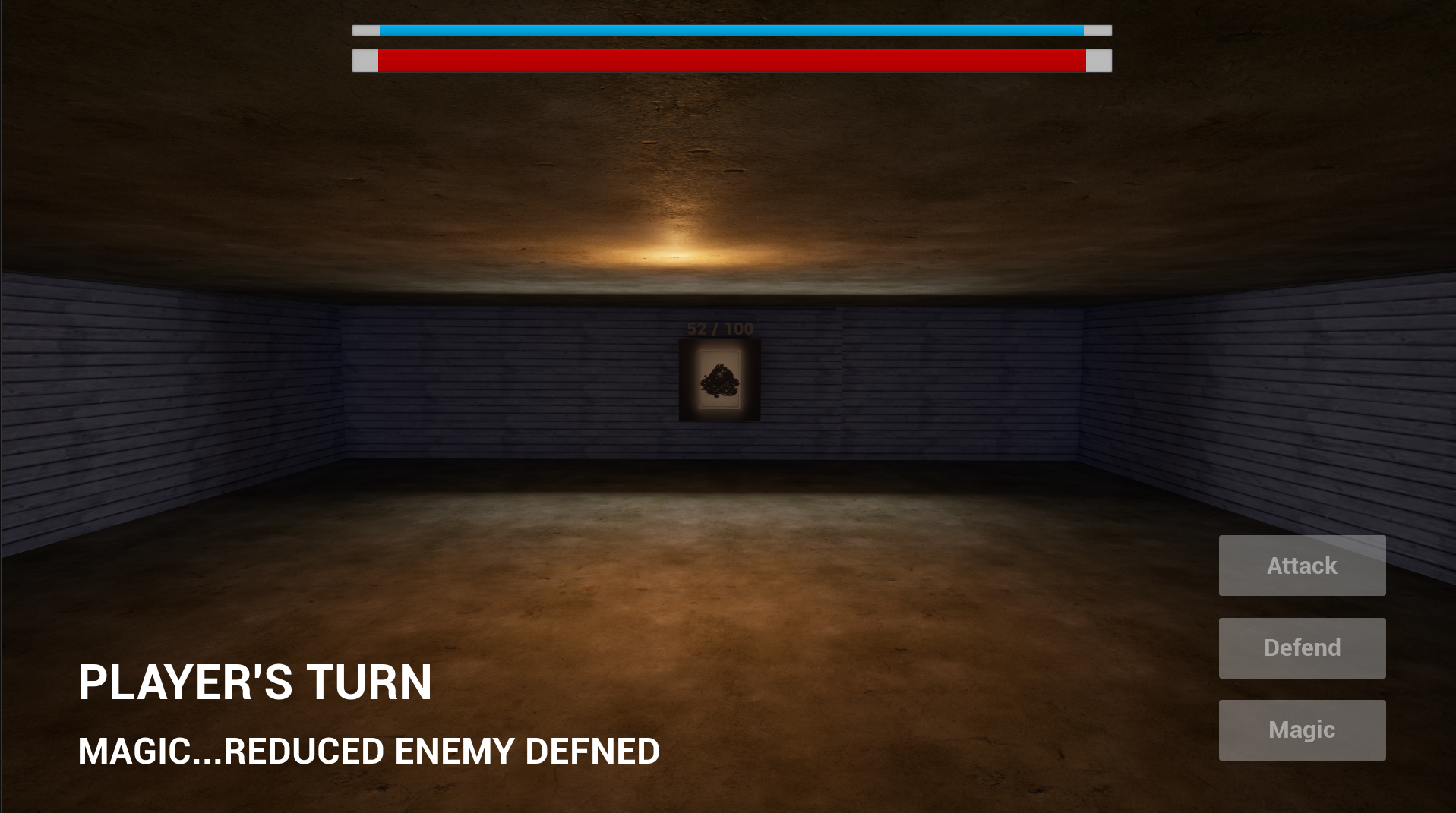
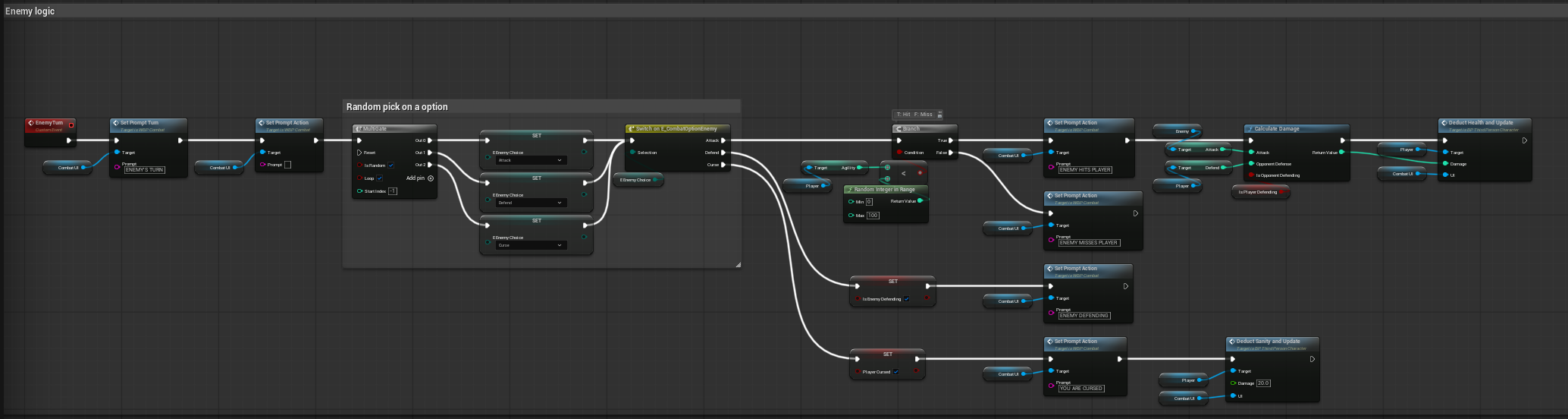
Combat is turn-based: reducing the opponent's health to 0 wins the encounter, while the player's health reaching 0 results in defeat. Each turn, the player chooses one of several actions, each with a different effect.Enemy actions are currently selected randomly; weighted selection and skill groups are planned additions.

Other Independent Systems
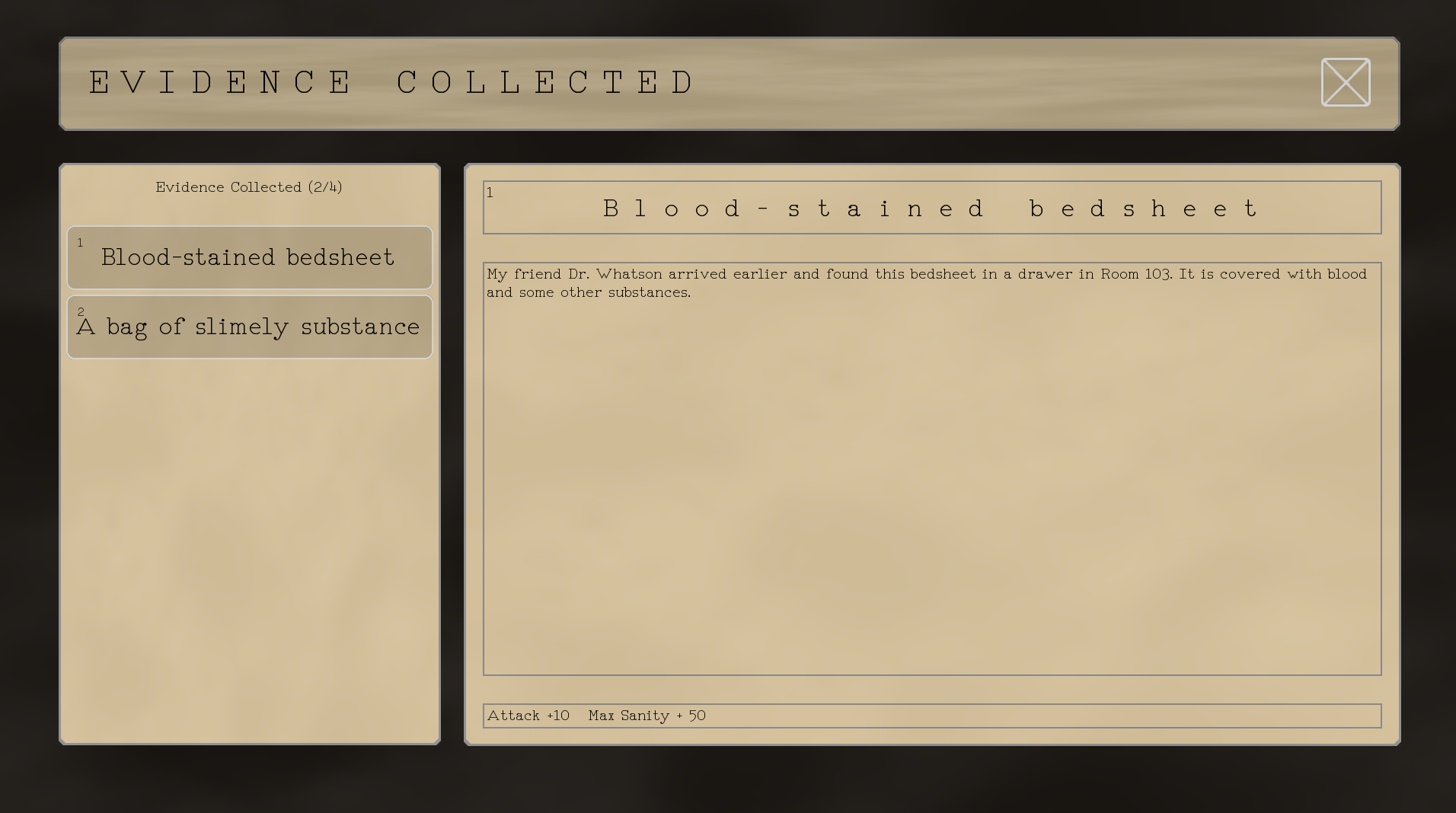
In addition to the centralized Manager Blueprints, the game includes several independent interaction and evidence systems. These systems can also affect progression, for example by unlocking optional story content or increasing player attributes.When triggered, these independent systems usually communicate with the manager they belong to, so they can be considered a lower-level layer beneath the centralized managers.
Eagle Vision
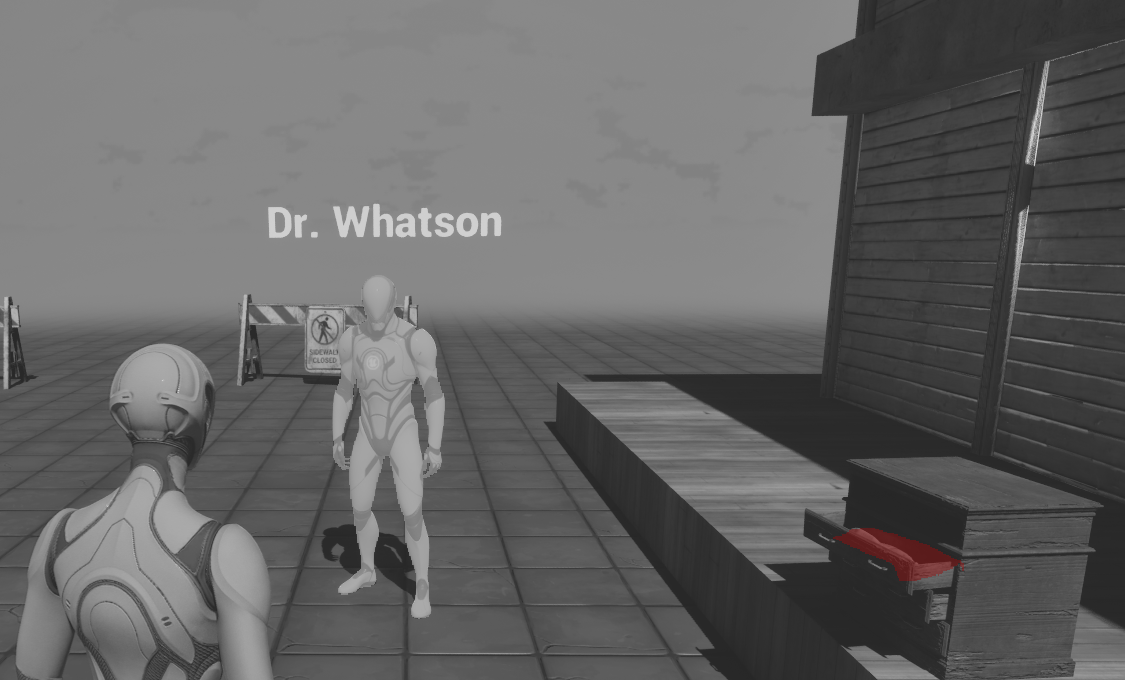
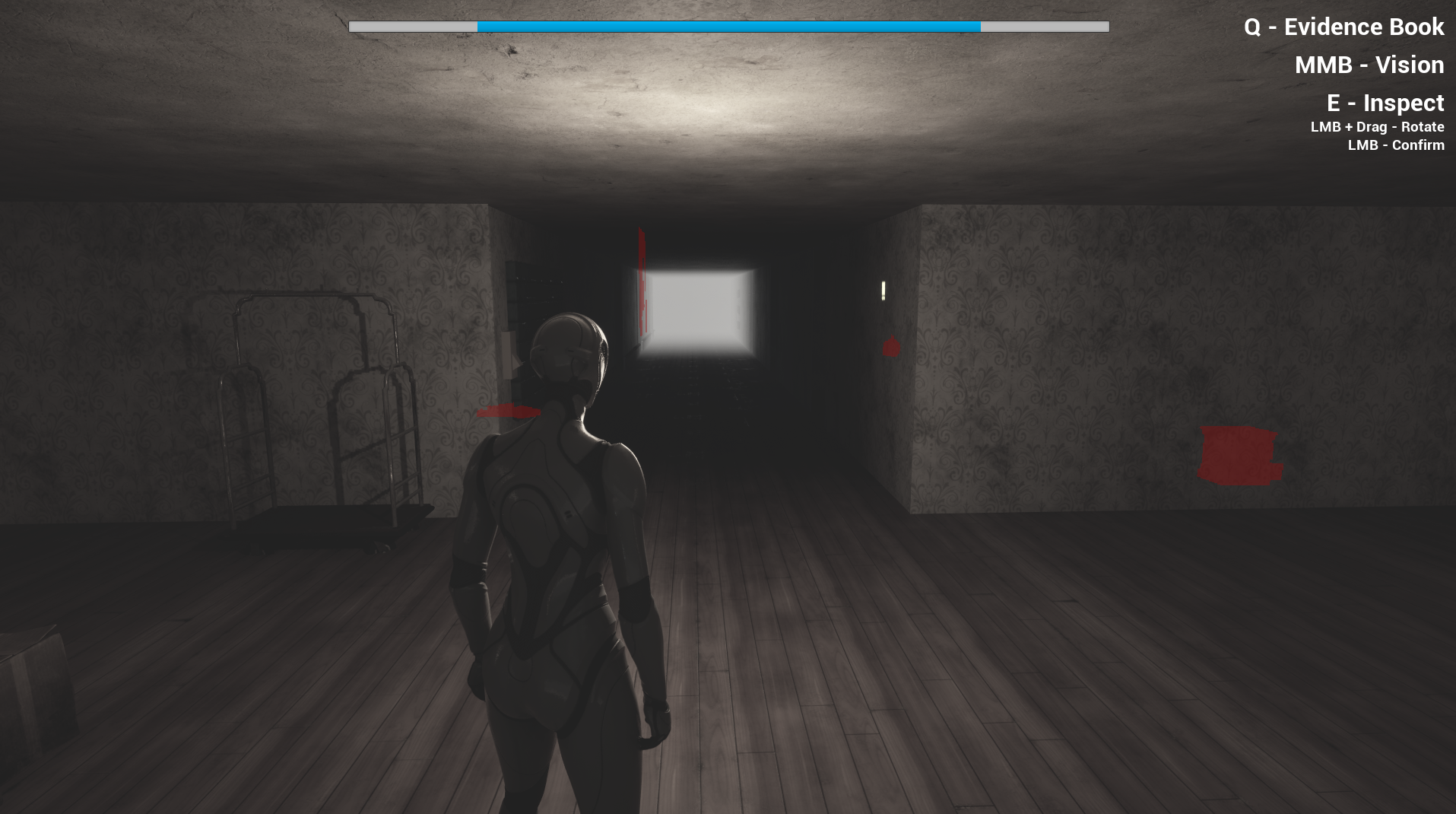
The Eagle Vision system uses Custom Stencil values to distinguish mission objectives from friendly NPCs, then uses a post-process material to highlight them through walls with different colors.

Item Inspection
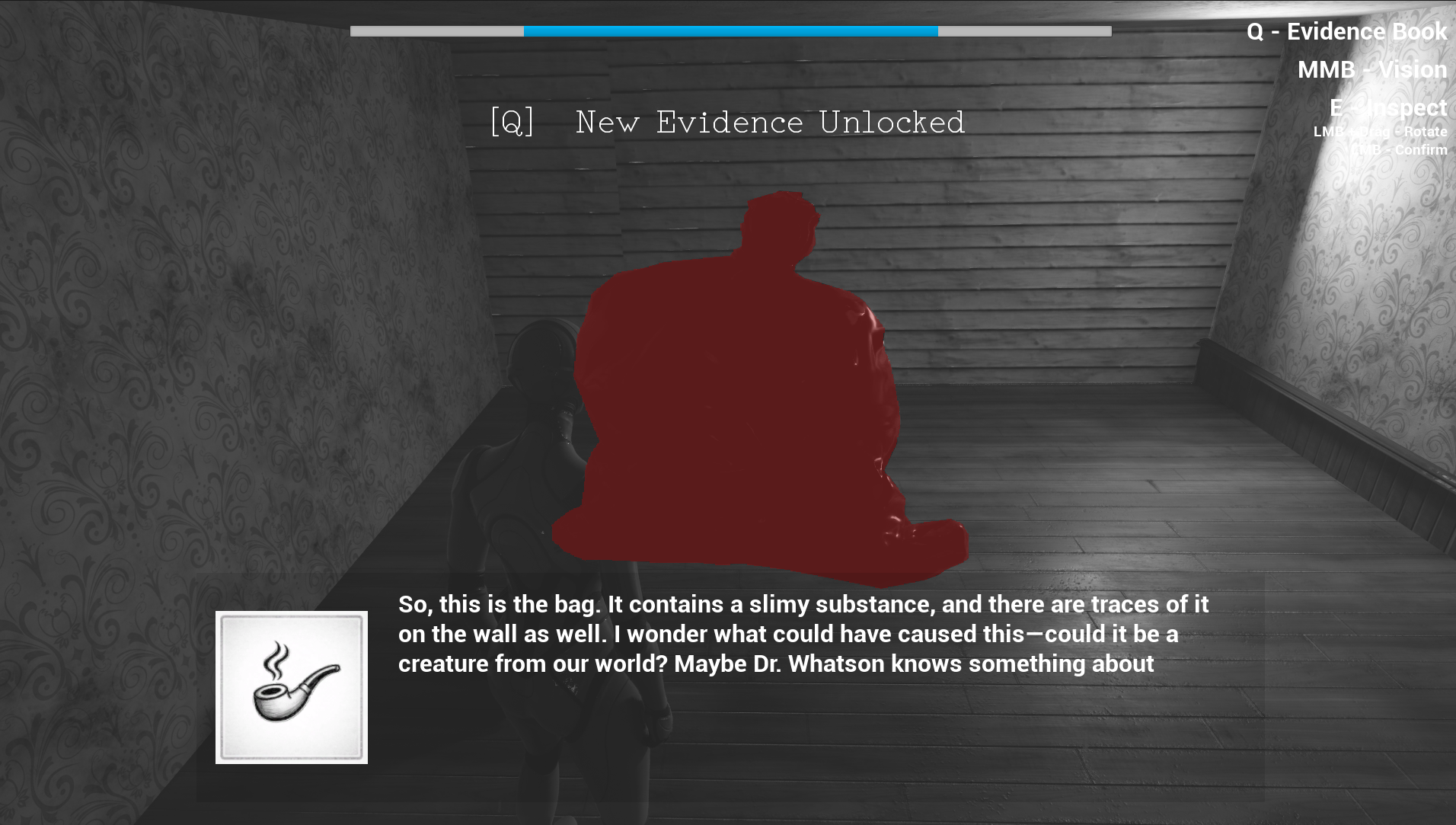
Item inspection is implemented with a simple finite state machine. While an item is being inspected, the game switches between several input modes so the player can drag the mouse to rotate the object and click on it to unlock evidence.
Gameplay


Conclusion
Compared with my two other group projects, this solo project is less polished. Its main purpose was to practice building level events controlled through centralized Blueprints.The goal was to distribute subsystems across separate managers so each system could remain relatively simple while still communicating with the others when necessary.